Slow PC? Diagnose Windows and Mac Performance Before Installing a Cleaner

Slow PC? Diagnose Windows and Mac Performance Before Installing a Cleaner

When a computer feels slow, the diagnostic tools are already installed. Windows and macOS show which programs consume processor, memory and disk, and which launch automatically. Microsoft’s official performance guidance lists common causes: low storage, too many startup apps, outdated software and hardware that no longer fits the workload. The first three have built-in fixes; … Read more

AI That Narrates the World: The Accessibility Apps Quietly Reshaping Daily Life

AI That Narrates the World: The Accessibility Apps Quietly Reshaping Daily Life

Generative AI’s least publicised work sits in phone accessibility menus: cameras narrate scenes, apps read photos aloud, captions convert speech to text. Be My Eyes is the most visible example of a use that seldom makes headlines yet changes daily routines. Google, Apple, Microsoft and Be My Eyes offer such tools to blind, low-vision, deaf … Read more

Safe Listening Limits: How iPhone and Android Track Your Weekly Sound Dose

Safe Listening Limits: How iPhone and Android Track Your Weekly Sound Dose

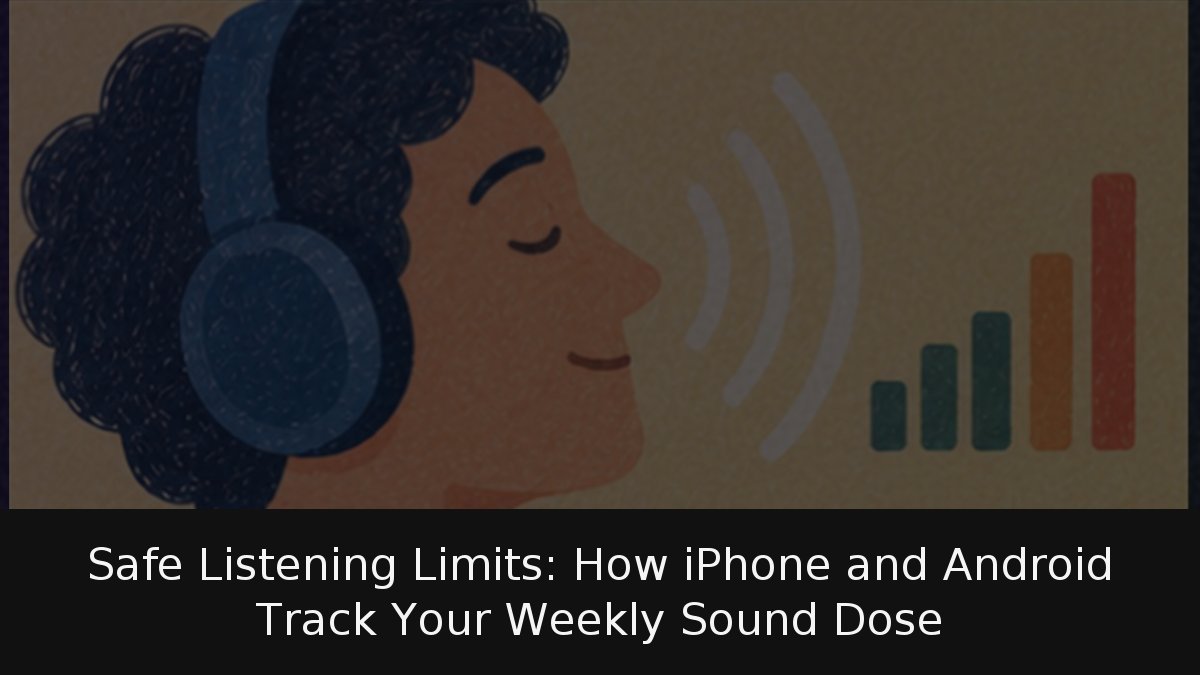
Headphone safety is now a software issue as much as a hearing-health one. The World Health Organization and European regulators converge on a simple weekly budget: 80 decibels for 40 hours per week. Above that, the safe allowance collapses. At 90 dB, the WHO estimates four hours; at 100 dB, about 20 minutes. Since most … Read more

Biometric Banking Security: Why Your Passcode Is the Real Weak Link

Biometric Banking Security: Why Your Passcode Is the Real Weak Link

Using a fingerprint or face to open a banking app feels high-tech, but the bank never sees either. Your phone compares the scan with a template in an isolated chip and tells the app only yes or no. The real weak point is the handset passcode. This guide is for daily bank-app users who want … Read more

Microfiber, Water and 70% Alcohol: How to Clean Screens and Keyboards Properly

Microfiber, Water and 70% Alcohol: How to Clean Screens and Keyboards Properly

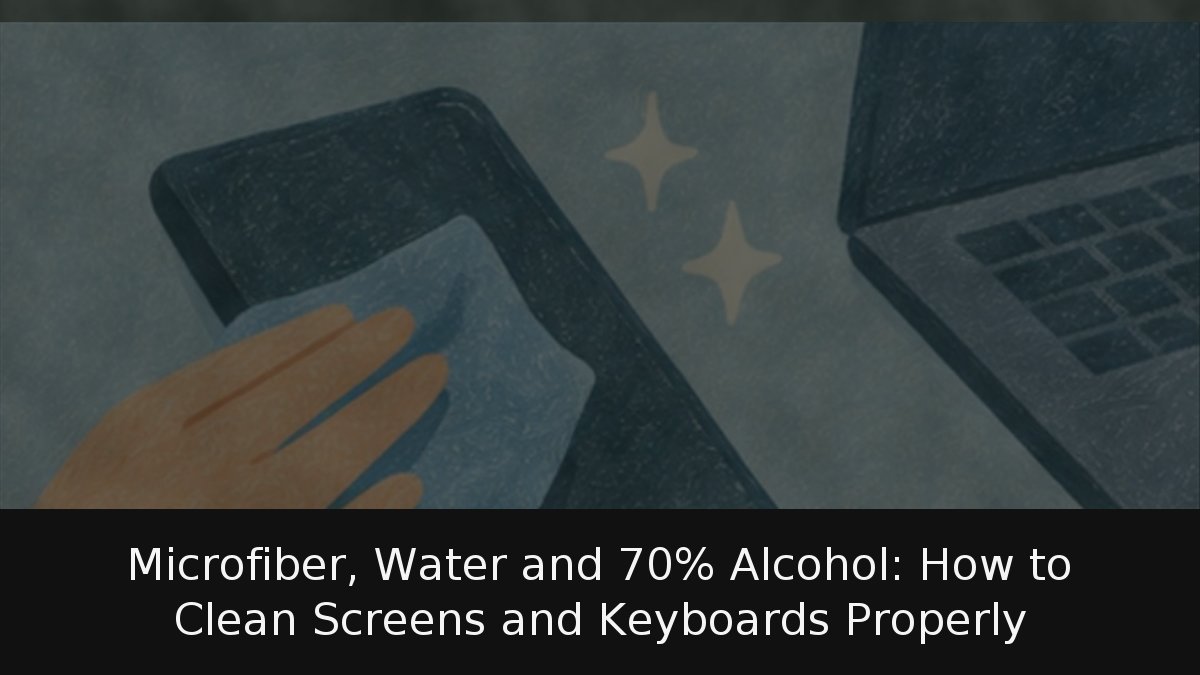
Cleaning a phone, notebook or keyboard looks simple until fingerprints, grease and crumbs sit on a finish you want intact or moisture reaches a port. Apple and Samsung share a route: switch off, wipe with a barely damp microfiber cloth, and for disinfection put 70% isopropyl alcohol on the cloth, not the device. Bleach, glass … Read more

Inside Your Phone’s Camera: How Software Turns Bursts Into Photos

Inside Your Phone’s Camera: How Software Turns Bursts Into Photos

When you press the shutter, a modern smartphone has already been watching. It captures a stream of frames, picks the sharpest, aligns them and averages away noise. The result looks like one photograph, but it is a software composite: computational photography in action. Bursts, not single shots: Phones merge several frames to suppress noise and … Read more

Smartphone Overheating: Separating Normal Warmth From Real Hardware Risk

Smartphone Overheating: Separating Normal Warmth From Real Hardware Risk

Smartphones warm up, and manufacturers say so without hedging. In most cases that heat is the byproduct of ordinary work rather than evidence of a fault. The distinction that matters is between a device that gets warm under load and one that fires off repeated temperature warnings, heats up while sitting idle, develops a scorching … Read more

AirTag Stalking Alert: How Tracking Networks Work and What to Do Next

AirTag Stalking Alert: How Tracking Networks Work and What to Do Next

A notification that an unknown AirTag is traveling with you can be innocent—a partner’s keys in your bag—or a serious warning. iPhones and Android devices now alert users when a Bluetooth tracker separated from its owner moves with them, and both platforms can play a sound, identify the device and disable it. Order matters: documenting … Read more

Smartphone Battery Care: What Actually Slows Lithium-Ion Degradation

Smartphone Battery Care: What Actually Slows Lithium-Ion Degradation

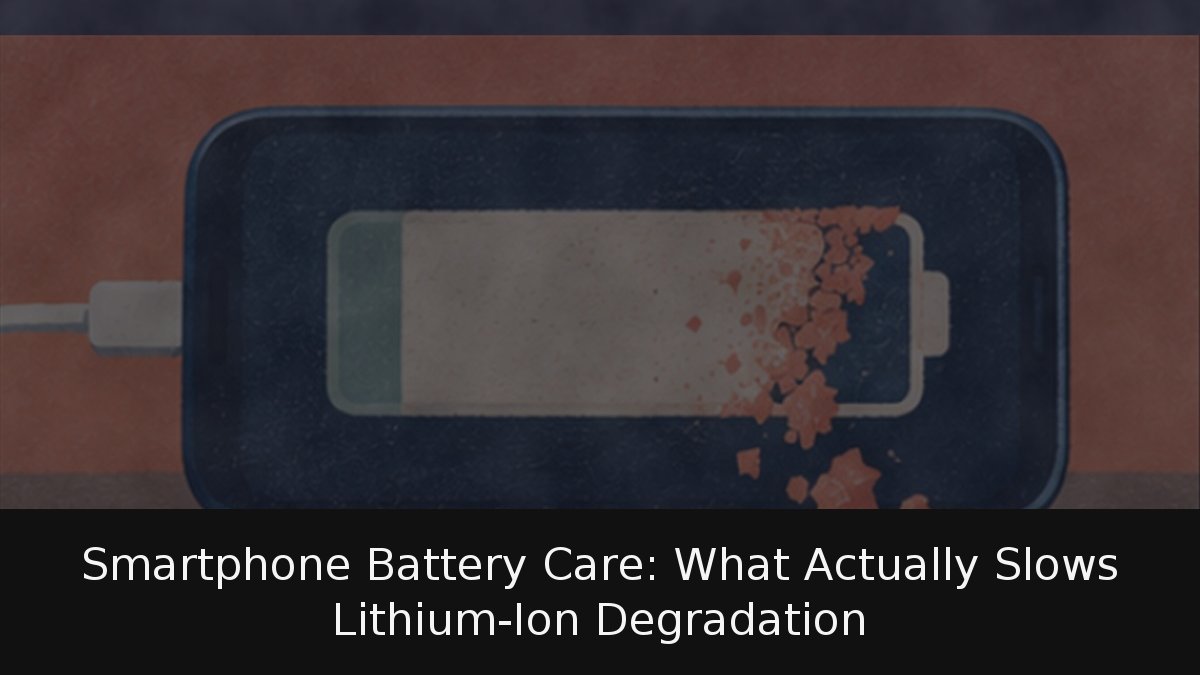
Every smartphone battery sheds capacity over time, and no toggle reverses that. What a setting can change is the speed of the slide. Apple, Google and Samsung now ship charge ceilings and adaptive routines built specifically to keep lithium-ion cells away from the two states that hurt them most: sitting at full charge and running … Read more