
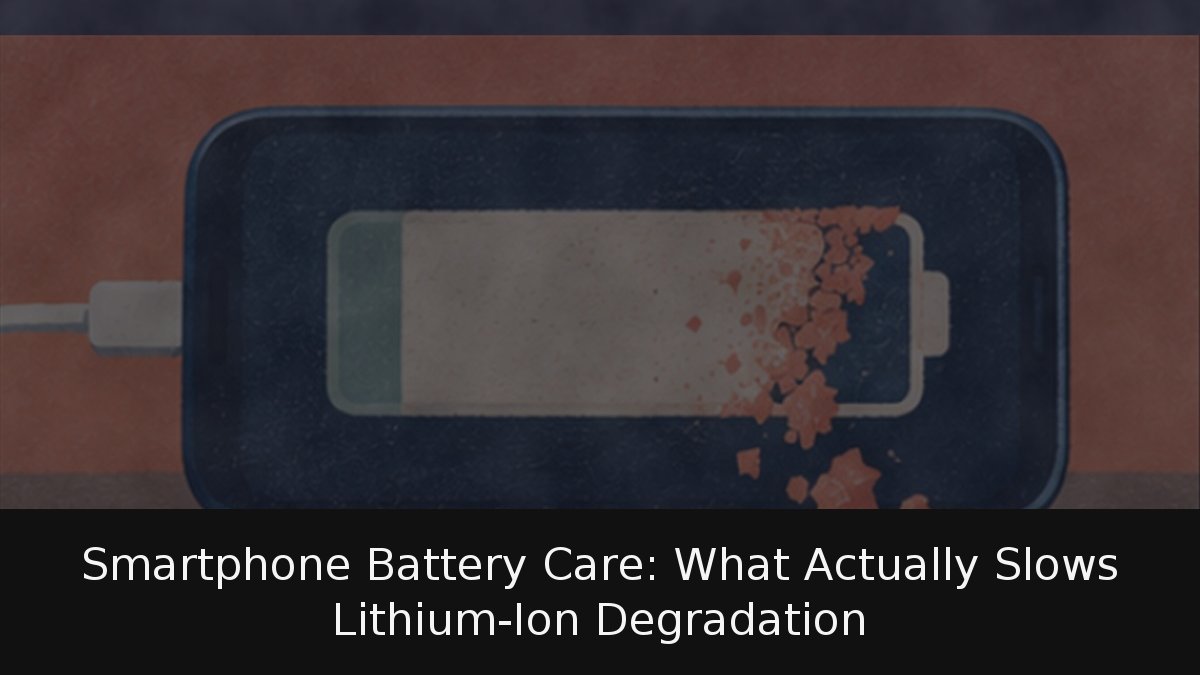
Every smartphone battery sheds capacity over time, and no toggle reverses that. What a setting can change is the speed of the slide. Apple, Google and Samsung now ship charge ceilings and adaptive routines built specifically to keep lithium-ion cells away from the two states that hurt them most: sitting at full charge and running hot. TechNews DevTop has gone through the manufacturers’ own documentation to separate what measurably matters from advice that belongs in the bin.
- Three variables decide longevity: accumulated cycles, operating temperature and time spent at maximum charge.
- 80% ceilings are now standard: iPhone 15 and later, Pixel 6a and up, and Samsung’s One UI 6.1 battery-protection modes all cap charging.
- Regulation sets a floor: since 20 June 2025, every new phone sold in the EU must survive at least 800 full cycles while retaining 80% of its original capacity.
Cycles, heat and the cost of staying at 100%
A cycle is not a charge. Apple defines it as spending the equivalent of 100% of the battery’s capacity, which can happen across several days of partial top-ups. Apple rates iPhone 14 and earlier models to keep 80% of their capacity after 500 complete cycles under ideal conditions, and iPhone 15 and later to reach the same threshold after 1,000. Google quotes roughly 800 cycles for the Pixel 3 through Pixel 8 Pro and about 1,000 from the Pixel 8a onward.
Temperature is the more brutal factor. Apple puts the ideal operating window at 16 to 22 °C and warns that above 35 °C capacity damage can become permanent — worse still if the phone is charging while that hot. Google’s guidance runs the same way: a battery wears faster when the handset is warm, even if it is idle in a pocket. Apple also talks about a battery’s “chemical age”, a figure that folds cycle count together with temperature history and charging habits rather than counting cycles alone.
The third lever is voltage at the top of the range. Samsung’s own documentation states that holding a battery at 100% for extended periods can shorten its useful life, and battery-chemistry literature explains why: each 0.10 V reduction in peak cell voltage can roughly double the number of cycles a cell delivers before it hits end of life. Cycle life also should not be confused with calendar life — a pack degrades as it ages even if it is barely used.
The settings that work, brand by brand
iPhone
On iPhone 15 and newer, the control lives under Settings > Battery > Charging, where you can pin a limit anywhere from 80% to 100% in 5% steps. Keep the ceiling at 100% and you can enable Optimised Charging, which parks the phone at 80% and finishes the job when it predicts you are about to unplug. On iPhone 14 and earlier the option sits in Settings > Battery > Battery Health & Charging, and it needs at least 14 days to learn your routine before it does anything useful.
Pixel
Google’s path is Settings > Battery > Battery status > Charging optimisation, offering Adaptive Charging — which completes the top-up just before you disconnect — or a hard Limit to 80%, available from the Pixel 6a onward. One quirk worth knowing: a Pixel still needs a full charge every 10 cycles for its capacity estimate to stay accurate, even with the limiter switched on.
Samsung Galaxy
With One UI 6.1 or newer, Settings > Battery > Battery protection presents three modes. Basic stops charging at 100% and does not resume until the pack drops to 95%. Maximum halts at 80%. Adaptive applies the maximum cap while you sleep, then relaxes to basic shortly before your alarm.
The practical rule: if you routinely finish the day with charge to spare, take the 80% ceiling. If you run tight, adaptive charging is the better trade between runtime and wear.
Overnight charging and the myths that refuse to die
Charging all night is fine with these features enabled — they exist precisely to hold the pack below maximum and finish close to your wake-up time. Google goes further on Pixel: if the phone spends several hours charging at high temperature, or stays plugged in for days, it automatically throttles charging to between 70% and 80% and displays a “Protecting battery” notice. Apple’s software can similarly block charging past 80% when the cell is above the recommended temperature.
Heat is the thing to police. Apple suggests removing a case while charging if the phone runs hot, and Google recommends the bundled adapter or a compatible USB-C PD or PPS charger, warning that others may charge slowly or even damage the handset or battery.
As for the folklore: you do not need to drain the battery before recharging — partial discharges are gentler than full ones, and lithium cells have no memory effect. Fast charging is not inherently destructive either, because phones charge hard to about 80% and then taper; it is the heat generated that costs you. And powering the phone off periodically does nothing for longevity. Apple only advises switching off for long-term storage: roughly half charge, below 32 °C, topped back up to 50% every six months.
When to replace the cell
Let the phone tell you. On iPhone, Settings > Battery > Battery Health reports maximum capacity against the original figure and flags significant degradation. On Pixel 8a and later, Settings > Battery > Battery status reads “Normal” or “Reduced”, with Google recommending a swap once “Reduced” appears — in effect, below 80%. Cycle count is visible under About phone > Battery information.
The bigger picture is that phone batteries have stopped being a black box. Three major vendors now publish cycle ratings, Brussels has made 800 cycles the legal minimum for new hardware, and the intervention that matters takes under a minute to enable. Cap the charge, keep the phone cool, and stop refreshing the percentage indicator. When the pack finally gives out, the responsible move is recycling the handset rather than letting it moulder in a drawer.
Sources & References