
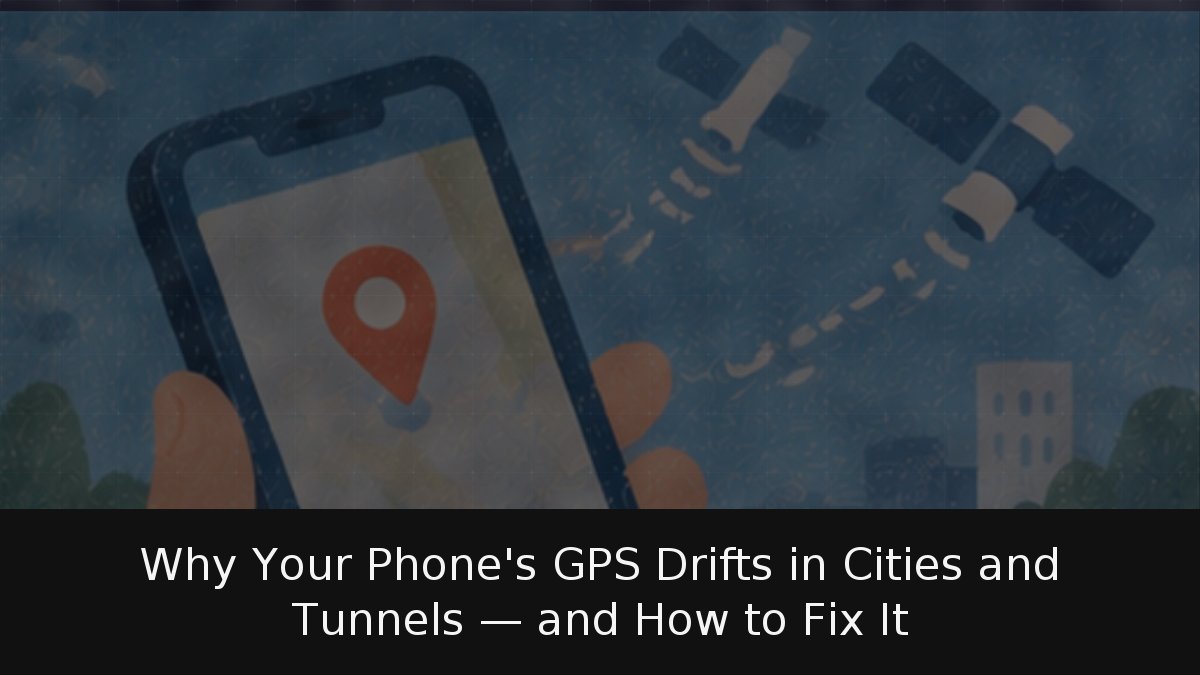
Your blue dot lands on the wrong sidewalk, hops between skyscrapers, or freezes the moment you enter a tunnel. That doesn’t mean your phone is defective. In open terrain, a smartphone’s GPS typically lands within a radius of about 4.9 meters, according to the U.S. government’s official GPS resource. In a dense city, signals bounce off facades; underground, they simply never arrive.
For anyone who navigates by phone and has learned to distrust that blue dot, here’s what’s actually going wrong — signal blockage, reflections, and underground dead zones — plus the Android and iPhone settings that genuinely help, and why dual-frequency receivers and Galileo hold up better among high-rises.
- Accuracy is location-dependent: Open-sky GPS is good to roughly 4.9 meters, but Google Maps promises only about 20 meters with satellites and can fall back to cell towers for far coarser fixes.
- Three culprits dominate: Blocked signals from buildings and trees, indoor or underground use, and multipath reflections that make the dot jump across streets.
- Hardware and settings matter: Dual-frequency receivers resist reflections better, while location-precision toggles, compass calibration, and disabling battery saver can rescue a wandering dot.
What Accuracy Should You Actually Expect?
It depends on where you stand. The official GPS.gov page answers the accuracy question with an honest “it depends”: satellites broadcast with a defined precision, but what your phone receives is shaped by satellite geometry, obstacles, the atmosphere, and receiver quality. Its reference figure — 4.9 meters in open sky — degrades near buildings, bridges, and trees.
Google offers a more conservative number in its Maps help documentation: with satellites, Maps places you within roughly 20 meters; with nearby Wi-Fi networks, it leans on their known positions; and with cell towers alone, accuracy can stretch to several kilometers. These figures don’t contradict each other — one describes the best case, the other what Maps is willing to promise.
The map itself tells you how much to trust it. The light blue circle around your dot marks the area where you could be: the smaller it is, the more precise the fix. If the dot turns gray, Maps has lost you and shows your last known location instead.
The Three Reasons the Blue Dot Gets It Wrong
GPS.gov lists the common causes of misplaced GPS fixes, and the first three explain nearly everything you experience day to day:
- Signal blockage from buildings, bridges, or trees. On a narrow street flanked by tall blocks, your phone sees only a sliver of sky.
- Indoor or underground use. In a tunnel, an underground parking garage, or the subway, satellite signals never reach you. Google acknowledges this too: inside a building or on a subterranean level, GPS may report an inaccurate position.
- Signals reflected off buildings or walls — the effect known as multipath. Your phone receives a signal that bounced off a facade, traveled farther than the direct path, and miscalculates your position. This is what makes the dot leap from one sidewalk to another among skyscrapers.
GPS.gov also cites rarer causes such as interference, solar storms, or satellite maintenance. And a useful caveat: often the GPS is working fine and the map is at fault, with missing streets or poorly estimated addresses.
And no, the civilian signal isn’t deliberately degraded: the so-called Selective Availability was switched off in May 2000, and GPS.gov states it will not return.
Why Dual-Frequency Phones Perform Better Downtown
Because the second signal suffers less from reflections. The European Union Agency for the Space Programme (EUSPA) explains that a dual-frequency receiver picks up two signals from the same satellite; in the case of Galileo, the European system, those are the E1 and E5a bands. L5/E5a signals sit at a lower frequency and are less prone to multipath errors, reducing the problems caused by buildings and other obstacles.
GPS.gov adds another advantage: two frequencies let the receiver correct for atmospheric distortion. The United States is adding a civilian signal on L5.
According to EUSPA, the first dual-frequency smartphone reached the market in June 2018, and by January 2020 there were already 41 models from 10 manufacturers with that capability. In that same 2020 article, the agency highlighted dual frequency as a distinguishing feature of Galileo. The takeaway: if you walk a lot through a city center, dual-frequency support deserves more attention on a spec sheet than an extra megapixel or two. Check the manufacturer’s specifications before buying.
Settings That Genuinely Improve Precision
On Android, the key toggle is location accuracy (also called Google Location Services). According to Android’s official help, it combines GPS with Wi-Fi access points, mobile antennas, and sensors such as the accelerometer, barometer, and gyroscope, and is especially useful indoors or near large buildings. Disable it and the phone relies on GPS and sensors alone. On Android 12 and later, it lives under Settings > Location > Location services > Location accuracy.
Google Maps help adds concrete remedies for each symptom:
- If your location wanders across the map, turn off battery saver.
- If the blue beam is wide or points the wrong way, calibrate the compass by moving the phone in a figure-eight a few times, or use camera-based calibration (Live View), which requires Street View coverage in the area.
- If accuracy is poor, confirm that Wi-Fi or mobile data is on and that airplane mode is off.
- If nothing works, restart the phone.
On iPhone, Apple explains that Location Services combines GPS and Bluetooth with crowd-sourced Wi-Fi access points and cell towers. The setting that most affects per-app precision is Precise Location, available since iOS 14, under Settings > Privacy & Security > Location: disable it for an app and it receives only your approximate location. For a navigation app, it must stay on.
Precision also matters when you share your whereabouts with family, or when you try to locate a phone that has been taken from you.
Assume you will lose the signal. Neither dual frequency nor Galileo penetrates rock: if the satellites aren’t visible, there is no satellite fix. If you’re driving, review the route before entering a tunnel, especially where exits branch off inside, and don’t touch the phone at the wheel. Once you emerge, give the blue dot a few seconds to reacquire before trusting it.
The bottom line: smartphone GPS is far more accurate than its urban reputation suggests, and most errors come not from the satellites but from the physics of a narrow street and an outdated map. Treat the blue circle for what it is — a margin of error, not a promise. And if you rely on your phone to navigate outside coverage, precision stops being the problem; connectivity does.