
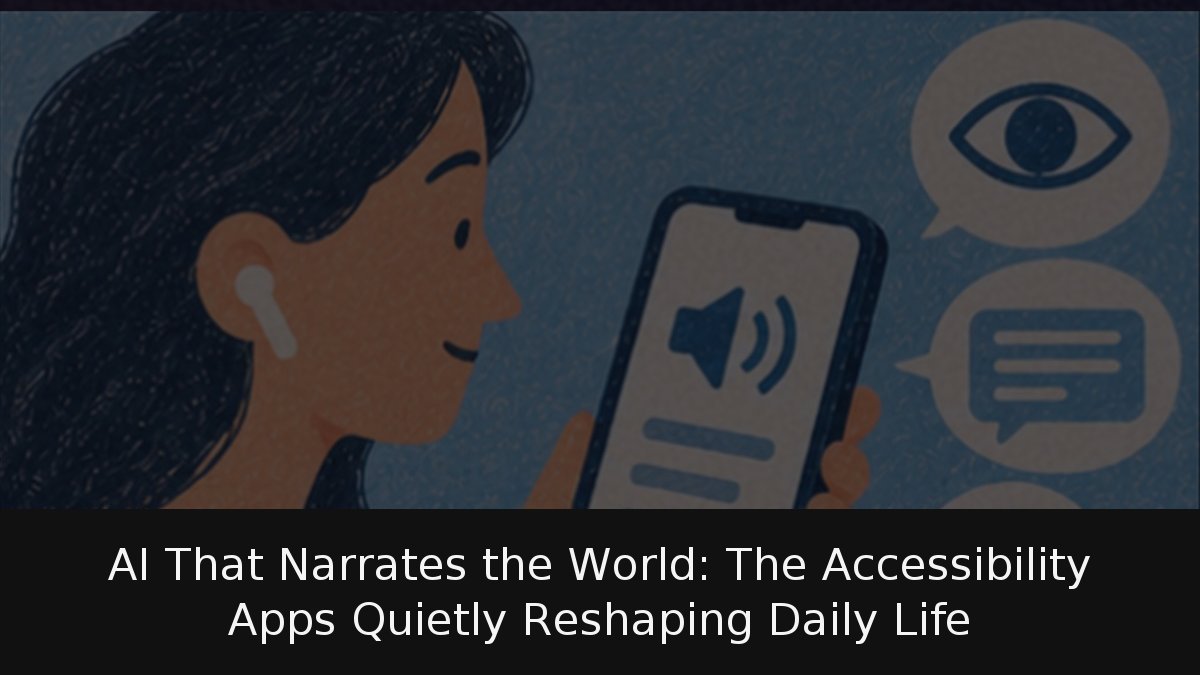
Generative AI’s least publicised work sits in phone accessibility menus: cameras narrate scenes, apps read photos aloud, captions convert speech to text. Be My Eyes is the most visible example of a use that seldom makes headlines yet changes daily routines. Google, Apple, Microsoft and Be My Eyes offer such tools to blind, low-vision, deaf and hard-of-hearing users and those assisting them, many free. This guide covers the main apps, their official Spanish support and their limits; a separate guide handles general phone accessibility settings that everyone should know.
- Scale: Be My Eyes’ official October 2026 counters list over 11.5 million volunteers and more than 1.1 million blind or low-vision registrants; calls are free and unlimited across 150-plus countries and 180-plus languages.
- Describers: Lookout, Seeing AI and Magnifier all describe images or scenes in Spanish, with caveats.
- Captions: Android automatic captions process media and calls on the device; iPhone live captions transcribe any app and nearby speech.
- Gaps: Spanish menus do not guarantee Spanish AI; some conversational image tools and expressive captions lack Spanish.
Be My Eyes: volunteers and an AI
The app began by linking a blind caller to a sighted volunteer by video; that mode remains. Be My AI, the second mode, describes a photo and answers follow-up questions. Calls are free and unlimited, coverage exceeds 150 countries and 180 languages, and people are kept for «las peticiones más difíciles».
ONCE’s Android review, dated 3 April 2024 and covering version 2.4, confirmed the app is free and in Spanish. TalkBack can reach every part, but some sections were untranslated and braille displays missed certain automatic status messages, hurting deafblind users. Updates since may have fixed some faults.
Asking a phone what lies ahead
Google Lookout requires Android 6.0 or later and lists Spanish. Its seven modes are text, documents, currency, images, food labels, object finding and exploring. Exploring is a beta Google calls «menos preciso»; currency covers U.S. dollar, euro and Indian rupee notes but not coins; detailed descriptions and AI questions are English-only.
Microsoft Seeing AI is free on iPhone and Android. Its Play listing covers text reading, photo description and questions, barcode scanning, banknote, colour and light-level recognition, and saved people. Spanish arrived in December 2019, Microsoft announced. Apple’s Magnifier integrates similar tools; its availability table lists on-device image and scene descriptions in VoiceOver and Magnifier in Spain’s Spanish, plus detailed descriptions with questions.
Doors, people, furniture
Magnifier’s detection mode alerts by sound, speech or vibration: doors, whether open, how they open and nearby signs such as a toilet sign; people, their distance and whether someone holds a door; furniture, including occupied chairs or sofas. Apple says it works only on supported models and must not be used in emergencies, high-risk situations or for navigation. It is an aid, not a cane.
Live captions for any sound
Android’s automatic captions work with video, podcasts, calls, video calls and audio messages; activate with a volume key, then tap More and Automatic captions in the controls. Spanish runs on Pixel 4 and later and some Android phones. Processing stays on-device and, Google says, is never stored or sent; the language pack needs Wi-Fi once.
iPhone live captions sit under Settings > Accessibility > Live Captions and need iPhone 11 or newer. They transcribe any app’s audio and nearby speech through the microphone; Apple offers Spain, Mexico and U.S. Spanish. Keeping a call’s captions for an hour triggers a spoken notice to all participants that transcription is running.
The makers set limits. Apple says caption accuracy varies and is unreliable in emergencies or high-risk settings; Google says poor light, blur and framing weaken Lookout. Language is a subtler boundary: Lookout reads Spanish text, but its conversational image AI is English-only; Android’s expressive captions for tone, laughter and applause are unavailable in Spanish.
Accessibility may be where generative AI proves most valuable, because «bastante bien» — good enough — is already far better than nothing. It is also where mistakes matter most, as the warnings about emergencies show. Human volunteers for delicate requests, as Be My Eyes provides, remain a sound safeguard. Lookout’s strongest conversational feature remains English-only, and Android’s expressive captions are absent in Spanish.