
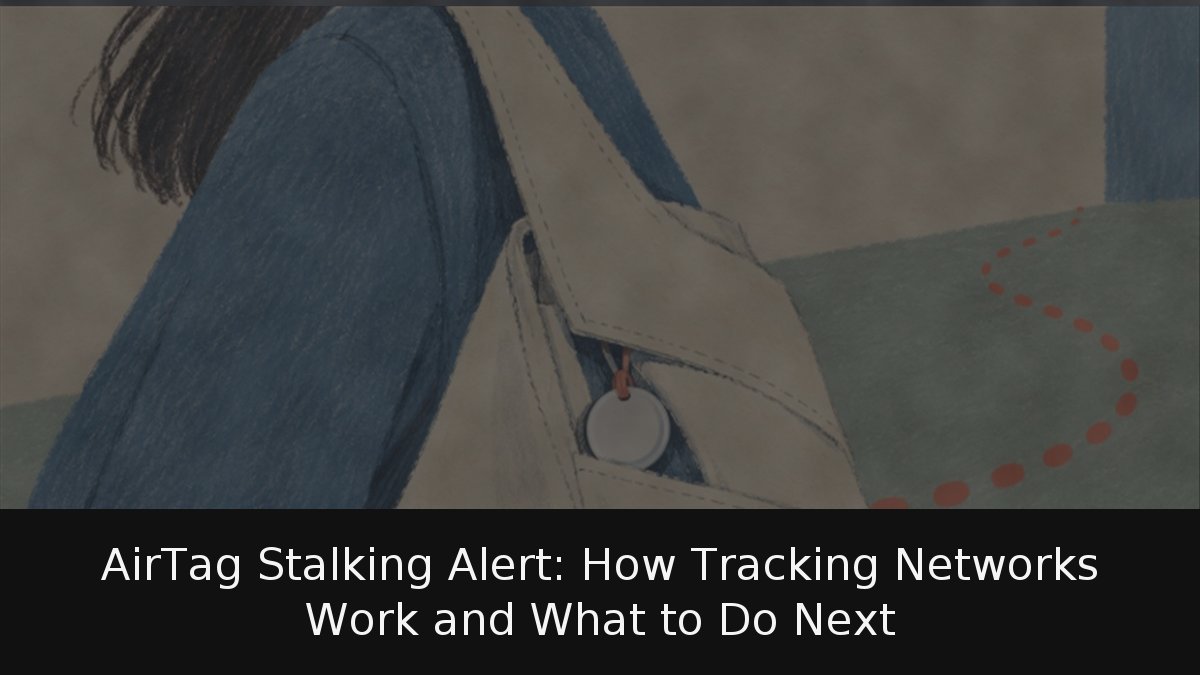
A notification that an unknown AirTag is traveling with you can be innocent—a partner’s keys in your bag—or a serious warning. iPhones and Android devices now alert users when a Bluetooth tracker separated from its owner moves with them, and both platforms can play a sound, identify the device and disable it. Order matters: documenting the tag before shutdown can preserve evidence police may need.
- Crowdsourced location: AirTags lack GPS and SIM cards; nearby Apple devices relay their Bluetooth signals, encrypted, to the owner.
- Cross-platform warnings: Since May 2024, iOS and Android can flag compatible unknown trackers from either ecosystem.
- Safety before shutdown: Move to a public place, capture screenshots and note the serial number before disabling anything.
How a tiny tag finds its way without GPS
An AirTag does not know where it is; nearby iPhones, iPads and Macs do. The tag emits a Bluetooth signal, a passing Apple device detects it, and that device forwards its own encrypted location to the owner’s account. Apple says the Find My network relies on more than a billion devices worldwide and that the process is anonymous and encrypted. Apple cannot see the tag’s location or the finder’s identity, and the tags use rotating Bluetooth identifiers to frustrate passive tracking.
Google runs a parallel network for compatible trackers, including models from Chipolo, Motorola and Pebblebee. The design is excellent for finding lost luggage and unnerving when abused: a tiny object borrows the phones of strangers. Anti-stalking safeguards are therefore not an add-on but the condition for the category to be acceptable.
How your phone decides that a tracker is following you
Detection rests on a simple rule: the tracker has been separated from its owner and is moving with you long enough to trigger a warning. Apple and Google jointly developed the Detecting Unwanted Location Trackers specification, activated on May 13, 2024, for iOS 17.5 and Android 6.0 or later. Chipolo, eufy, Jio, Motorola and Pebblebee pledged compatible future trackers.
The standards process lags. By October 2026, the IETF working group had drafts but no final RFC, and the original draft was marked expired.
On iPhone, cross-brand detection needs iOS 17.5 or later, with Location Services, Bluetooth and tracking notifications on, and Airplane Mode off. The alert—typically “AirTag found moving with you” or the product name—includes a map with red dots showing detection points. The dots do not show when the owner checked the location.
On Android, the alert displays a map and device type. A manual scan lives under Settings > Safety & emergency > Unknown tracker alerts > Scan now and takes about 10 seconds; older alerts vanish after 48 hours.
Turning off Bluetooth or Location Services does not stop the owner from seeing the tracker’s location, and Google says Airplane Mode does not help. Only disabling the tag does. Not every warning means trouble—a borrowed bag or a companion’s own tracker can trigger one.
Document first, disable later
If you feel unsafe, go to a public place and contact police or someone you trust. Do not confront anyone. Use the alert to play a sound; Google says the owner is not notified. An iPhone with ultra-wideband can use Precision Finding for distance and direction. Search jacket linings, bag pockets, luggage exteriors and the car.
Before disabling anything, preserve evidence. Screenshot the alert and map. Hold the top of an NFC-capable phone against the AirTag’s white side to open a page with its serial number and the last four digits of the owner’s phone number. Record the date, time and places you visited. Disabling some trackers resets them and unlinks them from the owner, destroying information police might obtain. If disabling it seems dangerous, leave it active. Police can request tracker data or the device; Apple may need the AirTag and serial number.
Apple warns that using these devices to track people without their consent is a crime in many countries.
When the problem is not a Bluetooth tag
Alerts cover only trackers participating in Apple’s or Google’s networks. A GPS unit with its own SIM card does not depend on either system, and official guidance does not promise to detect it. Warnings also miss someone who can see your location through account access or a forgotten location-sharing setting. Review those settings, change passwords and check for account compromise.
The Apple-Google collaboration is one of the more sensible things the rivals have done together, yet cross-platform protection arrived only in 2024. More than two years later, the IETF effort remains a draft, showing how hard it is to align the industry, including low-cost manufacturers. The practical advice is dull but effective: keep Bluetooth, Location Services and tracking notifications on. If an alert appears, photograph the tag, note its serial number and put safety ahead of disabling it.