
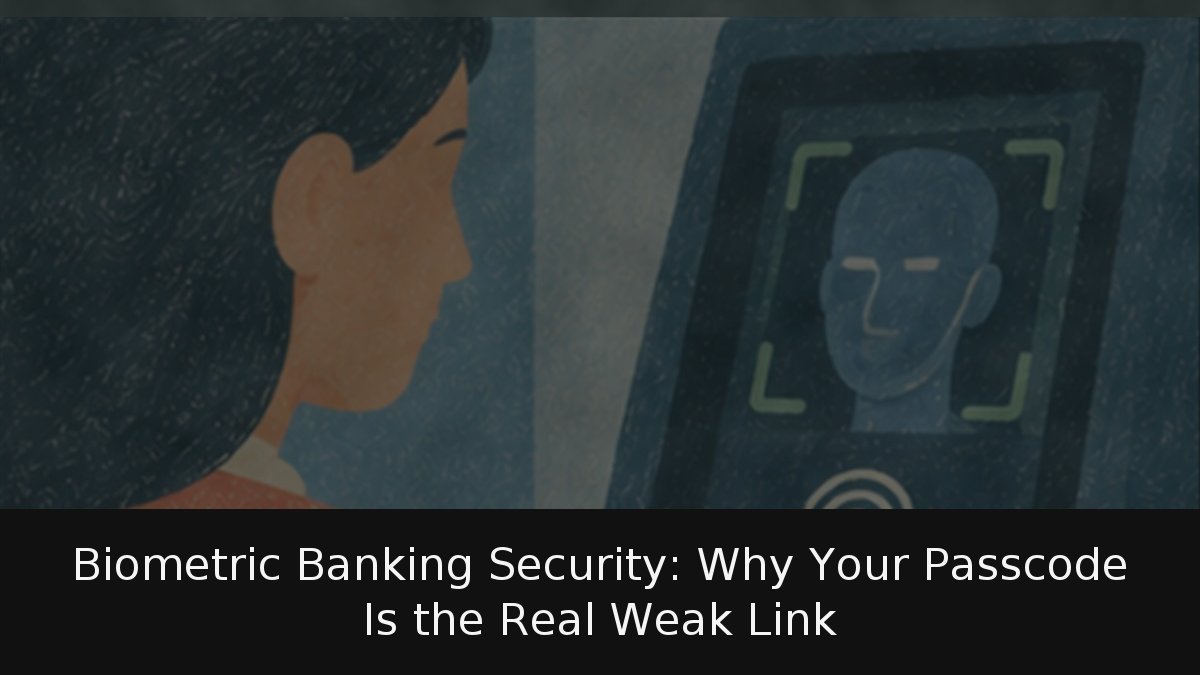
Using a fingerprint or face to open a banking app feels high-tech, but the bank never sees either. Your phone compares the scan with a template in an isolated chip and tells the app only yes or no. The real weak point is the handset passcode. This guide is for daily bank-app users who want real risk, myths and useful settings.
- Biometrics stay local: The app gets an authentication result, not your fingerprint or facial data.
- Error rates are low: Face ID is below one in a million; Touch ID is one in 50,000 per finger; Android allows at most one in 50,000 false acceptance.
- The passcode is the weak link: Someone who knows your PIN can often do what your face or finger would authorize.
- EU rules accept biometrics: PSD2’s delegated regulation treats a fingerprint as an “inherence” factor when paired with the enrolled phone.
What reaches the bank
When an app asks for Face ID, Touch ID or an Android biometric prompt, matching happens on the device. Apple’s security guidance says third-party apps get no access to biometric data.
“Only the app is informed whether authentication was successful or not, but it is not provided access.”
Face ID data never leave the phone and are never copied to iCloud, Apple says. Touch ID stores no fingerprint image, only an encrypted mathematical template that cannot rebuild the print; only the Secure Enclave can use it. Android varies by manufacturer, but Google lets makers expose only sensors that pass its tests; lower tiers are barred. Class 3 requires spoof success at most 7% of attempts (up to 20% for some attacks) and alone can connect to the system keystore. Class 2 uses the standard dialog but cannot unlock app keys. Class 1 cannot expose an API, so no bank app may use it.
Error rates, caveats and law
Apple puts Face ID’s false-acceptance chance below one in 1,000,000 with one enrolled appearance, and Touch ID at one in 50,000 per enrolled finger. A random four-digit passcode guess is one in 10,000. Android requires at most one in 50,000 false acceptance for any class. Apple warns Face ID’s rate rises with masks, twins or similar siblings, and children under 13, whose features may not be fully developed; Apple recommends a passcode there. Android also measures spoof acceptance rate (SAR): how often a mould or photo fools a sensor.
EU payment law treats biometrics as inherence. Delegated Regulation (EU) 2018/389, under PSD2, requires strong authentication from at least two of three elements: knowledge, possession and inherence. In a bank app, the enrolled phone is possession; the fingerprint is inherence. Article 8 obliges banks to ensure
“a very low probability that an unauthorized third party is authenticated as the payer.”
Article 9 requires separate secure execution environments when one multipurpose phone handles authentication—the Secure Enclave or Android’s equivalent. The regulation also caps consecutive failures at five and online-banking inactivity at five minutes.
Myths and the actual risk
“The bank stores my face” is false here: the app gets only yes or no. Account-opening selfie-and-document checks are separate. “A photo unlocks an iPhone” is false: Apple says Face ID
“always requires depth information,”
absent from 2D photos, and checks open eyes looking at the device, so it is hard while asleep. Simpler Android facial unlock is different, which is why class 1 cannot open bank apps. “A stolen fingerprint cannot be changed” is true in theory, but the phone stores a template, not the print.
The passcode is the real weakness. Apple says biometric-protected keychain items open
“with a correct recognition or with the device passcode.”
Anyone who knows that code can often act like your face. The theft to fear is not the sensor but the phone after someone spies your PIN on the metro. iPhones force the passcode after reboot, five failed attempts or 48 hours without an unlock. Android class 3 works up to 72 hours before the primary method; classes 1 and 2 last up to 24 hours, four hours of inactivity or three wrong attempts.
Advice by impact: use a long, non-obvious passcode, never a date; enable iPhone and Android anti-theft settings for a stolen phone whose code was spied; never enroll another person’s face or fingerprint, because to the bank it would be you. With an identical twin or a child under 13, use a passcode, as Apple recommends. Well-implemented biometrics are hard to fool, but the passcode behind them deserves more attention than the sensor.