
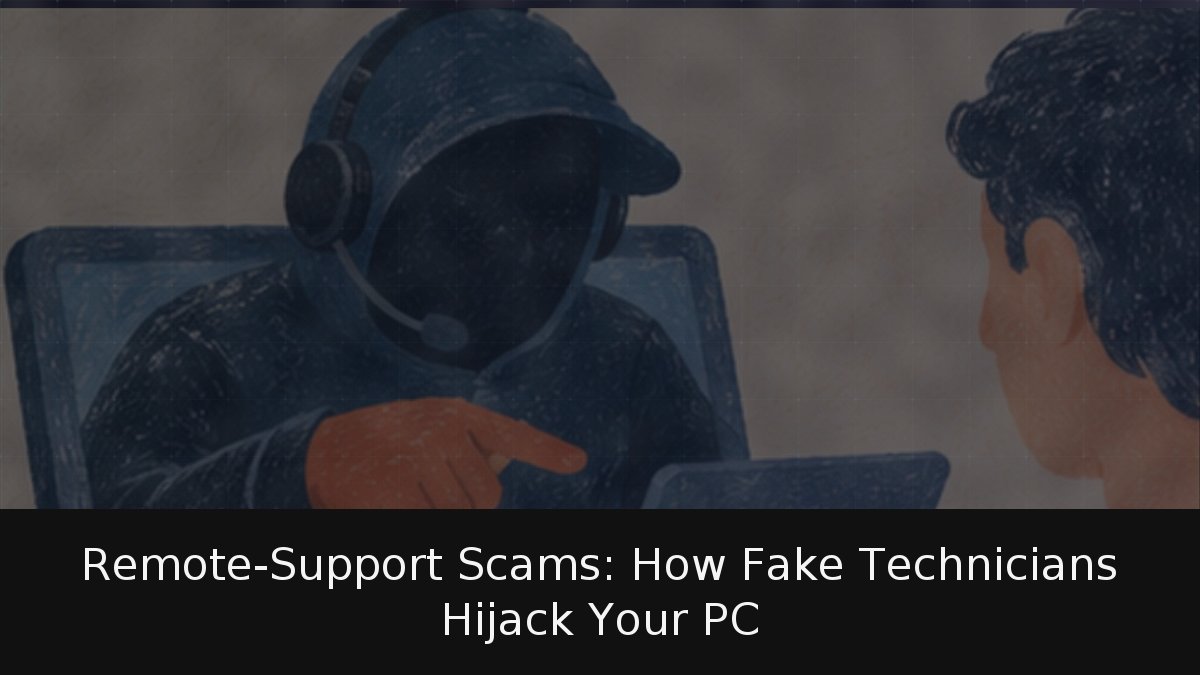
A friendly voice on the phone claims to be from Microsoft support and warns that your computer is infected. The solution, the caller insists, is to install a program so a technician can inspect it remotely. No such technician exists; the software is the doorway. The guide is for home users, especially those who help parents or grandparents with technology. It explains fake support fraud, why scammers use legitimate AnyDesk, TeamViewer and Windows Quick Assist, and what to do if access was already granted.
- Key Point: A criminal impersonates a big-company technician, claims a serious problem, and asks for remote access to “fix” it. With access, the attacker can steal data, install malware, or charge for an invented repair.
- Key Point: Remote tools are legitimate and used daily by IT staff, which lowers victims’ guard; the danger is the stranger given the code.
- Key Point: Microsoft says it does not make unsolicited support calls or request personal/financial data, and its error messages never include phone numbers.
- Key Point: After access: disconnect, uninstall, protect accounts, change passwords from a clean device, scan or reset, and report.
How the fake technician takes control
INCIBE outlines the pattern: a supposed technician calls, warns the computer is infected or “pirateado,” and instructs the victim to download and install a remote-access tool. It is a variant of vishing. Microsoft’s guidance describes a second route: websites show false errors, force full-screen browsing, loop pop-ups or play alarm audio so the user calls a “support” number. Here the criminals make the victim call them.
Quick Assist is Microsoft’s Windows 10/11 remote-help tool. It opens with Ctrl+Windows+Q; the helper generates a limited-use code and dictates it by phone or message. Entering the code shares the screen. Microsoft warns that users should allow connection only if they contacted Microsoft support or their company’s IT staff. AnyDesk’s abuse page says legitimate firms never call unrequested to fix a problem, access codes must never be shared, and scammers pose as Microsoft technicians and AnyDesk support. AnyDesk only handles user-opened cases.
Warning signs and reported losses
Hang up for any of these: an unrequested call; a Microsoft error or warning containing a telephone number; payment demanded by gift card or cryptocurrency, which Microsoft says it never requests for support; a caller ID that looks real but may be spoofed; remote access used to present normal system messages as “pruebas”; or urgency and fear, including
“si cuelga, perderá sus archivos”
. INCIBE advises searching the number online because others may have flagged it.
FBI IC3 2025 report: 47,794 US complaints of technical-support/customer-service fraud, $2.134 billion losses (about €1.905 billion), up from $1.464 billion in 2024. People 60+ filed 21,333 complaints and lost $1.040 billion, nearly half the total.
If access was already granted
Treat the computer as compromised. Cut connection, remove software, protect money/accounts from another device. Order follows INCIBE and Microsoft.
- Disconnect the computer from the internet first (INCIBE) and close the remote-access program.
- Uninstall the software; Microsoft lists this first, INCIBE next.
- Contact your bank if you supplied banking details, made a payment, or the scammer could see online banking. Microsoft advises calling the card issuer to dispute charges; the card may be canceled and replaced.
- Change passwords from a clean device, beginning with email and banking. INCIBE notes that browser-saved passwords may have been exposed. This is a suitable moment to adopt a password manager and use it correctly.
- Examine the computer with Windows Security and install all pending updates, as Microsoft recommends.
- Consider resetting the computer. Microsoft describes this as the best option in some cases, for example when fake error messages keep appearing. Back up documents first, not programs.
- Report the case to the Policía Nacional or Guardia Civil, as INCIBE advises. Microsoft also collects reports at microsoft.com/reportascam, even if the scammer did not claim to be from Microsoft.
My analysis: the design is hostile to less experienced users, because the entire safety check depends on a code read aloud to an unknown person. For the fraudster, obtaining that code is the only difficult step, and pressure plus a professional tone usually solves it. The strongest defense is procedural rather than technical: if you did not start the contact, do not surrender the key.