
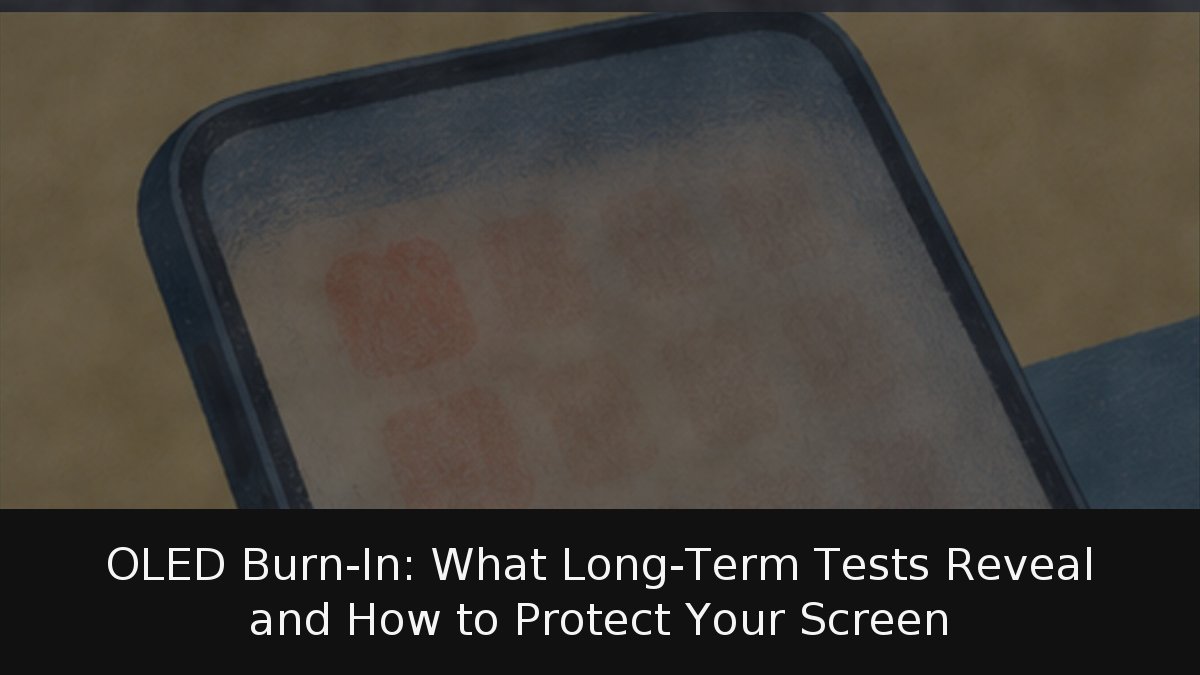
OLED burn-in is often discussed as a binary defect, but it is better understood as a slow, usage-dependent form of wear. Each pixel emits its own light, so pixels that repeatedly render the same bright element can age faster than their neighbours. The practical questions are which habits raise the risk and which protections genuinely help.
- Temporary or permanent: image retention fades; burn-in is uneven pixel wear that remains.
- Usage is decisive: fixed high-contrast elements at high brightness over thousands of hours drive risk.
- Built-in defences: pixel shifting, logo dimming, refresh cycles and some burn-in warranties reduce exposure.
Retention, burn-in and the role of ABL
Image retention is temporary; burn-in is permanent. Apple describes persistence as disappearing after minutes of normal use, while burn-in can occur in more extreme cases, such as a high-contrast image shown continuously at high brightness for long periods. LG lists fixed news logos, a paused game left on screen and vivid modes or sustained high brightness as common causes.
A simple check separates the two: if the ghost vanishes with varied content, it is retention; if a news ticker is still visible weeks later, it is burn-in. OLED monitors also use Auto Brightness Limiter (ABL), which cuts brightness under high panel load to limit heat and wear. The dimming can be distracting, but it is protection rather than a fault.
What accelerated testing really shows
An independent lab began an accelerated longevity test in November 2022 with 100 televisions. It ran almost three years; most panels exceeded 10,000 hours, and the final data update arrived on 16 March 2026. The stress loop was CNN with its fixed Breaking News bar. After one year, most sets had logged 7,200 hours, and most OLEDs showed burn-in signs. At 18 months, every OLED had permanent burn-in in that test, with the Samsung S95C proving most resistant. By the end, the lower bar was visible with real content on all OLEDs.
Those results would mislead as a normal-use forecast. The test was deliberate torture. The same run recorded 20 complete failures and 24 partial failures among the 100 TVs, several LCD: dead backlights, cracked light guide plates and burnt LEDs. More than 64% of edge-lit LCDs had serious uniformity problems, against 20% of full-array models. Three OLED monitors showed the CNN bar only on test slides after a year, not with real content. On 6 October 2026, the lab launched Longevity 3.0 with 12 monitors and 12 TVs using newer technology.
OLED burns when abused; LCD fails differently. Extreme tests are stress evidence, not a prediction of living-room life.
Device-specific safeguards and warranty cover
On iPhone, Apple uses algorithms that monitor pixel usage and adjust brightness to compensate for wear. OLED has featured since the iPhone X and on iPhone 11 Pro and later, except the second- and third-generation iPhone SE. Apple recommends keeping iOS updated, leaving auto-brightness on, shortening auto-lock and avoiding static images at maximum brightness.
Samsung OLED TVs add Pixel Shift, Auto Logo Brightness for fixed logos, and Pixel Refresh, which turns the set off for more than an hour to recalibrate. A screensaver starts after two minutes of static content and cannot be disabled, though it may not trigger on live TV, full-screen video, external inputs or some apps.
LG OLED TVs run pixel cleaning every four hours of accumulated use. A full Pixel Refresher begins at 2,000 hours—roughly five hours a day for a year—and takes about an hour with the TV off. Manual launches cancel if the TV is switched on.
On monitors, ASUS enables Pixel Shift by default and runs a six-minute pixel cleaning cycle at shutdown, recommending it every four hours. Some models add Tandem OLED structures, extra cooling or a proximity sensor that blanks the panel when you leave your desk. Desktop users should hide the taskbar and set the display to sleep.
Warranty terms vary. ASUS covers burn-in for 36 months on the ROG Swift PG32UCDM and 24 months on older OLED models such as the PG27AQDM and PG42UQ. Dell’s Alienware QD-OLED monitors carry up to three years including burn-in. Apple, Samsung and LG support pages do not state specific burn-in cover, so regional terms need checking.
Burn-in should not disqualify OLED, but it should shape the buying decision. For films, series and varied games, the risk is low with protections enabled. For an office monitor displaying the same spreadsheet ten hours a day, or a TV left on a news channel all day, a good full-array LCD remains more sensible. Lowering brightness costs little, and when any device reaches the end of its life, recycling is better than leaving it in a drawer.