
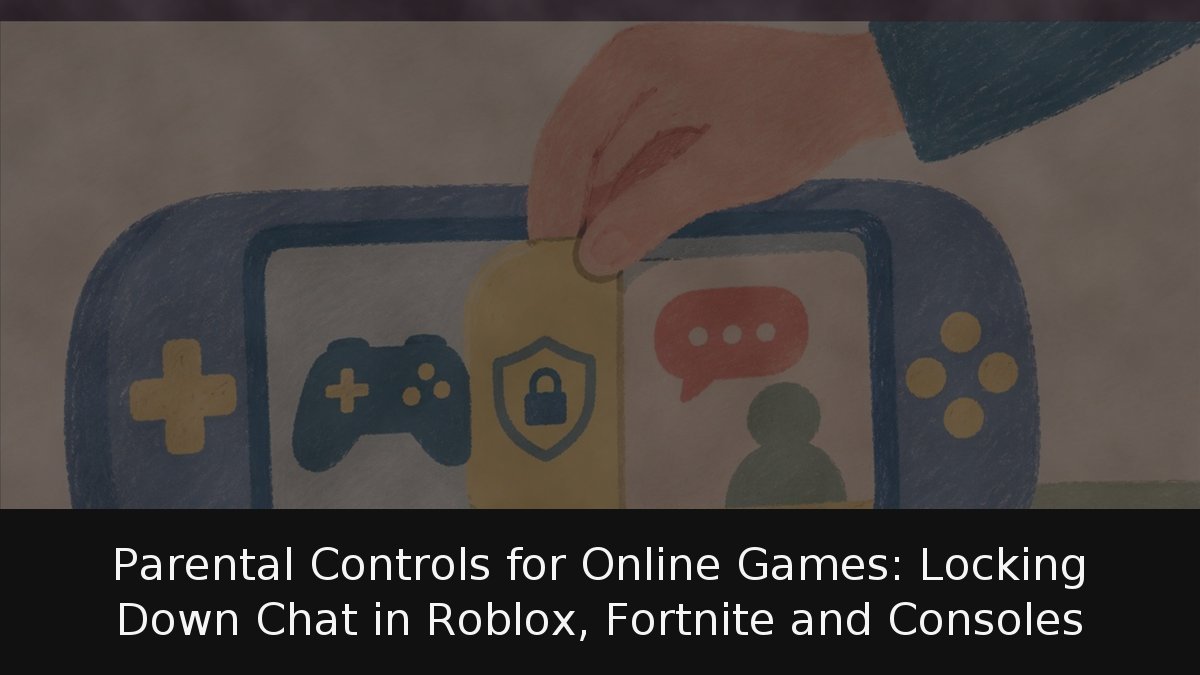
Online gaming has become a social space in its own right, and for parents and guardians the most pressing question is no longer whether a title is violent — the PEGI label already covers that — but who can talk to their child while they play. Every major platform now lets adults decide who can reach a minor by voice or text, how much they can spend and which games they can access. The catch is that these controls only work when they are configured from a linked adult account, and none of them replaces an ongoing conversation at home.
- Chat is the priority: Industry guidance and the platforms themselves point to contact with strangers as the main entry point for grooming.
- Setup order matters: Configure who can make contact first, then spending limits, then content restrictions.
- Verification is essential: Roblox and Epic both require an adult to link or verify an account before the strongest protections activate.
- Consoles cover the basics: Nintendo, PlayStation and Xbox all offer mobile apps that restrict communication, spending and playtime.
Why chat deserves the most attention
Chat is the channel through which grooming typically begins — an adult gradually earning a minor’s trust before manipulating them. According to INCIBE, the Spanish cybersecurity institute for citizens and businesses, initial contact often starts on social networks, gaming platforms or online communities, all of which include chat features.
The pattern is recognisable: fake profiles that mirror the child’s age and interests, gifts such as credits for a favourite game, and then a push to continue the conversation through messaging apps or video calls. That move away from the game is the key warning sign. Roblox states in its safety FAQs that shifting a conversation to another app breaks its rules and leaves the platform’s protections behind.
Roblox: linked parent accounts and age-banded chat
Roblox requires age verification to use chat and restricts conversations to users of similar ages and to trusted friends. Managing these settings demands a parent account linked to the child’s profile. The adult verifies their age with an official document or a credit card, and from there can adjust the permitted content maturity level, block specific games even within their rating, review the friends of children under 13, set time and spending limits, and receive activity summaries for younger users.
The chat rules are strict. For children under 9, chat is off by default; if parents enable it, they can only talk to under-13s or trusted friends. Users aged 9 to 12 can chat only with under-16s, and those aged 13 to 15 with users aged 9 to 17. Filters block personal data, links and attempts to move conversations elsewhere. Users over 13 can chat unfiltered only with trusted friends, with monitoring in place to detect risks to minors.
This is the most elaborate system of the five, but an age-banded model is only as strong as its age verification, and it depends on the adult completing the linking process.
Fortnite and Epic Games: chat tiers, PIN-protected requests and spending caps
Epic lets parents decide whether a child can chat by voice and text with everyone, with friends and teammates, with friends only, or with no one, and can require a parental PIN to accept friend requests and make payments. The settings apply to Fortnite, Rocket League and Fall Guys through the Epic account portal.
The most relevant features include age-based chat limits: under 10, the maximum permitted is friends only; under 13, the ceiling is friends, teammates and connections, meaning friends of friends. With voice chat active, each device stores the last five minutes of audio, which reaches Epic only if someone files a report — always active for users under 18. Friend requests can be gated behind a parental PIN, and real-money purchases through Epic can require a PIN, with a daily spending limit for under-13s. That limit does not cover purchases made through the PlayStation, Xbox or Nintendo stores, nor spending of V-Bucks already bought. Parents can also block spending V-Bucks on random paid items and require the PIN for Fortnite experiences above a set age rating.
Consoles: Nintendo, PlayStation and Xbox
All three console makers let adults limit communication with other players, spending, playtime and age-appropriate games from a mobile app. PEGI notes that every console includes controls for the level of online interaction.
On Nintendo Switch and Switch 2, the free parental controls app sets time limits and can restrict the exchange of messages and images, either generally or per game. GameChat, the voice and video chat on Switch 2, is configured separately: minors can use it only if an adult permits it in the app, only with people that adult authorises, and video chat requires approval each time.
On PlayStation, the PlayStation Family app or account management lets parents restrict communication and user-generated content, which disables text messages and voice chat with other players. A child can request an exception for a specific game.
On Xbox, the Xbox Family Settings app can block online multiplayer, clubs, broadcasting, adding friends and chatting, and lets parents choose who can communicate with the child. The ‘Ask a parent’ option sends an email when the child wants to buy something, and time limits are shared with Windows PCs.
As for the PEGI label used across most of Europe — 38 countries, according to the organisation — it is worth remembering what it measures: whether a game’s content is appropriate for an age, not how difficult it is. Its descriptors also flag in-game purchases and random paid items such as loot boxes. What other players say in chat cannot be predicted by any label; that is what the controls are for.
If something goes wrong, INCIBE offers clear guidance for a grooming case: do not delete the conversations or contact the abuser, never give in to blackmail, support the child without blaming them, and report the matter to the security forces. The 017 helpline is free and confidential. On the platforms themselves, block and report the user with their own tools.
These controls have improved to the point where failing to use them is hard to justify — configuration takes an afternoon. But they have a limit, and the platforms themselves acknowledge it by urging parents to talk with their children. The most effective setting is not in any menu: it is a child knowing they can report that someone asked for a photo or offered V-Bucks without fear of losing the console. A minor who hides a problem out of fear of punishment is more exposed than one with no controls at all.