
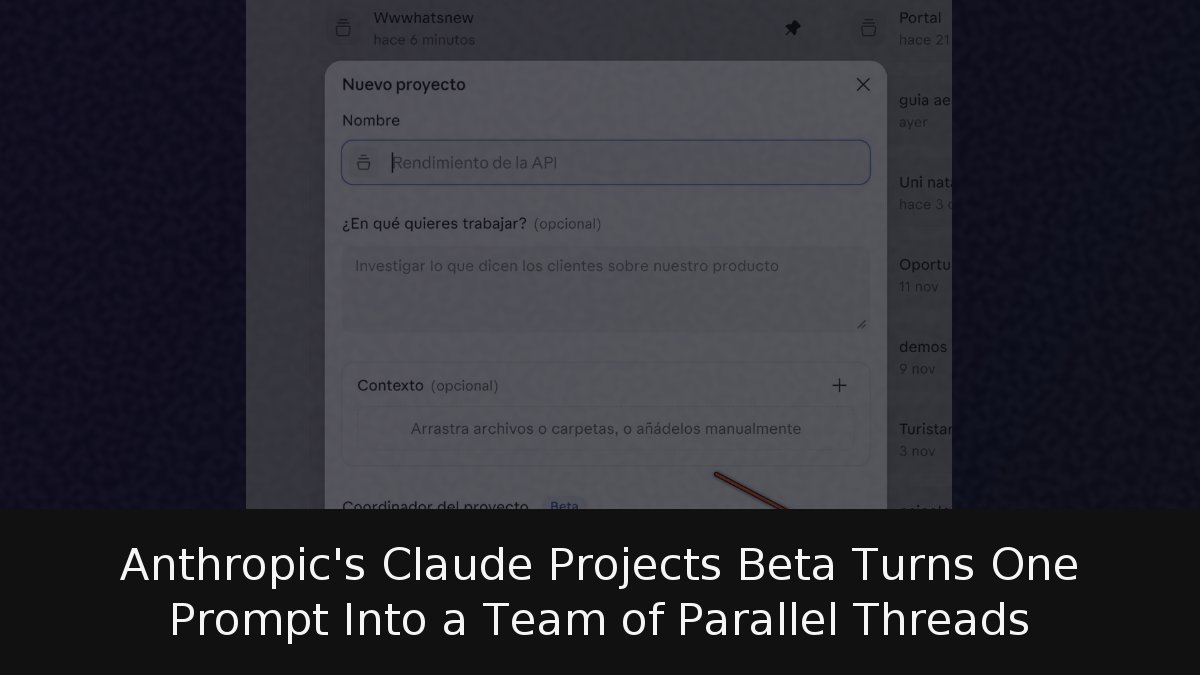
Anthropic has quietly rebuilt Claude Projects around a different idea of what a project is. Instead of a folder of files and fixed instructions, a project now behaves like a long conversation in which Claude acts as a coordinator: it receives a goal, breaks it into tasks, spins up a separate thread for each one, reviews what comes back and assembles the final result. The threads run in parallel in the cloud and keep working even after you close your laptop.
The company announced the redesign on September 17, 2026, and is rolling it out gradually, starting with Claude Code. According to the Projects documentation, the feature is in public beta for Pro and Max subscribers and has not yet reached Team or Enterprise. It is a powerful idea with fine print worth reading before switching it on: every thread works, and bills, like a complete session.
- Coordinator model: Claude decides what becomes a thread, what it answers immediately and which existing thread inherits a new request.
- Shared context: Project instructions of up to 16,000 characters, a project memory file called MEMORY.md and a library of uploaded and generated files feed the coordinator and every new thread.
- Usage pressure: New projects default to Opus for both the coordinator and the threads, and there is a hard ceiling of 200 new threads per day across all your projects.
What actually changes inside a project
The shift is about who organises the work. Previously, the project stored context and you decided what to do in each chat. With the coordinator, you describe what you need and Claude decides what becomes a thread, what it handles on the spot and which existing thread a new assignment belongs to. A single message asking for three unrelated things opens three threads; a quick question gets answered without opening anything.
The classic project was a container: fixed instructions, knowledge files and separate conversations that could not see each other. The new version adds three moving parts. A coordinator keeps track of every thread it has opened, though the documentation is explicit that it sees what each thread reports back, not every step the thread takes. Threads are independent sessions with their own context windows that report to the coordinator when they finish. A summary panel groups them by state: ready to review, waiting on your answer, working and closed.
Anthropic frames the change with an office analogy: brief the project the way you would brief a chief of staff, who then distributes the work. The comparison holds in both directions. A good chief of staff multiplies your time, but only if you explain clearly what you want. Existing Pro and Max projects keep working as before, and Anthropic says it will migrate them as the rollout reaches the standard chat and Cowork.
The launch examples come from software. One asks Claude to cut checkout latency by analysing every entry point, testing optimisations and opening changes for review in parallel threads. Another connects the API, web and mobile repositories to retire an old version of a service; Claude opens one thread per repository and finally states which merges should land first.
Context, memory and the non-coding use case
What makes the setup hold together over time is shared context. Project instructions, capped at 16,000 characters, reach the coordinator and every new thread, carrying the fixed rules: which branch to use, how to verify work, what needs your sign-off. Project memory is a set of notes Claude writes as it works, indexed in a MEMORY.md file that each thread reads at startup, useful for decisions and mistakes that should not be repeated. It is separate from the general memory assistants keep about you between conversations. A library holds both the files you upload and the ones threads generate.
The documentation offers advice worth taking: before launching a batch of work, write the instructions, send one small task and inspect how it comes back. If a thread assumes something wrong, the fault usually sits in the instructions, not the task. Claude will follow preferences such as proposing threads and waiting for approval, or limiting concurrency to two threads, but Anthropic warns these are instructions it tries to honour, not technical limits.
The product is born in Claude Code and it shows, yet the documentation explicitly covers non-code work: a folder of contracts or an export of support tickets you return to with new questions, such as finding the ten most common integration errors. You upload documents instead of connecting a repository, and each thread delivers its analysis as a file in the library. A project does not even need a repository; threads can research, write documents and run code in their own isolated environment, and they use the connectors on your Claude account, so a task can reach external services without per-project configuration. One detail to note: the coordinator’s own conversation has no connectors, so anything that needs one must go to a thread as a task.
Threads run in a cloud environment by default, but the documentation allows a specific task to execute on your own computer when it needs something that only lives there, in which case the thread only advances while the machine is on. File limits are generous: up to 100 files and 2 GB per upload from the library, with a maximum of 480 MB per file. These are copies, so editing a document locally means uploading it again.
Two limitations weigh more on office use than on developers. A project belongs to a single person and cannot be shared with a team. And Team and Enterprise, the plans most companies run on, remain outside the beta. For group work, this is today an individual tool.
The cost side: where the tokens go
Consumption is far higher than a chat. Each thread is a full session, several can run at once, and the coordinator spends its own tokens reading what they return. The documentation warns that on Pro in particular, users should expect to hit limits earlier on days when a project is in use. The default setting does not help: a new project uses Opus for both the coordinator and the threads. The model and effort level for each part are changed in the general settings and are the first lever for saving usage.
Some consumption is less obvious. A thread watching a GitHub pull request wakes up and spends again when a test fails or a comment arrives. Resuming a thread that has been idle for more than an hour, the lifetime of the cache on Pro and Max, forces a full re-read of its conversation; for new work, a clean thread is sometimes cheaper. If a thread hits the plan limit, it waits and continues on its own when the limit resets, which can eat your next usage window without warning. To prevent that, the project can be paused entirely. A stopped project, with no active threads or new messages, spends nothing, and neither does an archived one.
Anthropic’s bet makes sense: every assistant is moving from waiting for questions to executing assignments. What sets this move apart is that it does not run one background task but splits a goal and coordinates several at once, with memory that grows alongside the project. The bottleneck, however, has moved rather than disappeared. It used to be writing the prompt; now it is knowing how to divide a goal, writing instructions without gaps and watching consumption. A coordinator with vague instructions does not multiply work; it multiplies errors, in parallel and at Opus prices. While the feature stays individual and outside business plans, its natural home is professionals juggling many fronts alone. The real test arrives when it lands in everyone’s chat and in team plans.
Sources & References