
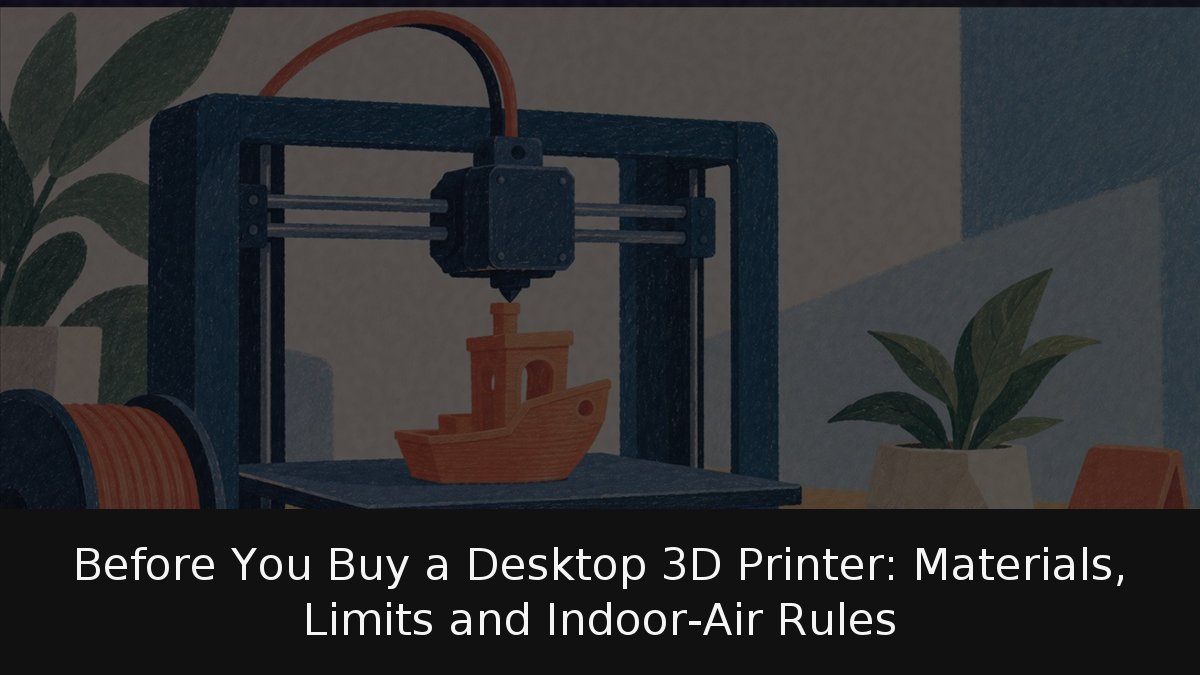
Before buying a first 3D printer, know the real minimum: an FDM machine, an easy filament such as PLA or PETG, and a free slicer that converts a model into instructions. This can yield useful parts, simple spares and prototypes. It cannot yield food-safe plates or cups, PLA that survives heat or sun, or printing without ventilation. Home printing has moved beyond hobbyists but remains no appliance; it is a small hot-plastic factory. Manufacturer documentation, not videos saying
«mira lo que he impreso»
, is the useful source.
- Key Point: Minimum kit: FDM printer, easy filament, slicer; the rest is tuning.
- Key Point: PLA handles detailed models and fast prototypes but fears UV/heat; PETG handles mechanical and outdoor parts, is tougher, and fears aggressive solvents.
- Key Point: Free slicers include PrusaSlicer, UltiMaker Cura and Bambu Studio; keep stock profiles at first.
- Key Point: Avoid food-contact ware, PLA in heat/sun, garden-biodegradable claims, and ABS without enclosure/ventilation.
Printer, material and slicing software
Most home units are fused deposition modeling (FDM): heated thermoplastic is forced through a nozzle onto a moving platform, building layer by layer. UL and the Georgia Institute of Technology, at Indoor Air 2016, found nozzles usually run 180–270 °C and can reach 320 °C.
Prusa Research’s knowledge base gives PLA 215 °C first layer, 210 °C after, 60 °C bed; it is cheap, beginner-friendly, good for figures, detailed models and quick prototypes, with poor UV/heat resistance. PETG gets 230 °C first layer, 240 °C after, 85–90 °C bed; it suits mechanical parts, supports, clamps and outdoor use, is tougher and more heat-resistant, but aggressive solvents attack it. The filament and printer datasheets override these. Prusa calls both
«uno de los materiales más fáciles de imprimir»
, noting PETG’s toughness and temperature advantage.
A slicer turns a 3D file into nozzle paths, speed and infill. PrusaSlicer says
«Free. Open-source. No account required»
; UltiMaker Cura is a free download with an open-source engine and over 400 settings; Bambu Lab documents Bambu Studio in its official wiki. First week: change almost nothing, use stock profiles. Detached parts, stringing and weak layers are easier to fix when you know what changed.
What prints well and what to avoid
Good jobs: prototypes, figures, organizers, supports, hooks, simple spares. PETG adds mechanical parts under load; Prusa prints its own printer parts in PETG and says it works indoors and for most outdoor uses.
Food dishes and containers are a documented no: even if PLA/PETG are considered food-safe materials, Prusa recommends no filament for direct food contact, because layer grooves can harbor bacteria; it suggests a food-safe coating if you proceed. PLA in sun/heat is poor—UV and temperature resistance are low, and a summer car dashboard is a bad spot. PLA does not
«se biodegrada»
in a garden; Prusa says only industrial composting above 80 °C breaks it down, not home compost. ABS is stronger but not for beginners: it warps, needs an enclosed printer, and emits
«humos tóxicos»
with styrene.
Indoor air, placement and end of life
A home printer is reasonably safe if treated as equipment that heats plastic for hours. The main studied risk is inhalation. UL and Georgia Tech measured controlled-chamber emissions: all tested printers released ultrafine particles, about 70% under 50 nanometres. VOCs varied by material—styrene and ethylbenzene with ABS, methyl methacrylate with PLA—and particle output varied up to 20 times by filament origin. Nozzle temperature mattered most: hotter meant more particles and VOCs. Print at the low end of the filament’s range and ventilate well. For ABS, Prusa adds: ventilate but avoid a draft across the part, which ruins the print. The 2016 study covered emissions, not health effects; still, keep the printer out of the bedroom and away from sleeping children. At end of life it is electronic waste; a responsible technology-recycling guide explains the options.
The sensible view is neither hype nor fear: home 3D printing is a small plastic factory, not a toaster. Its possibilities deserve attention, but so do its material limits, air-quality rules and the discipline of changing one setting at a time. Treat the manual as the starting point, keep ventilation and temperature in check, and the machine can be a useful tool rather than a disappointment.
Sources & References