
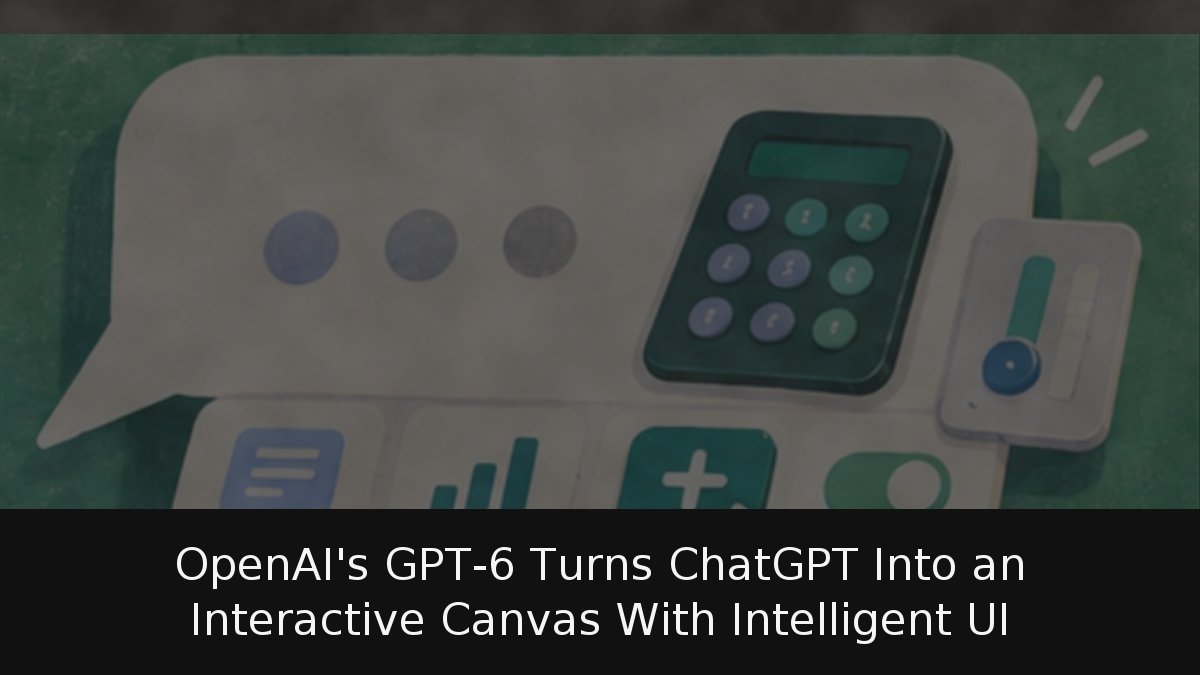
OpenAI began rolling out a new interface layer for ChatGPT on October 7, 2026, and it changes what a chatbot response can look like. Instead of replying only with prose, the system can now assemble interactive components directly inside the conversation window: tappable buttons, task-specific calculators, editable charts, forms, diagrams and even simple games. The feature is called Intelligent UI, and it ships alongside the company’s new GPT-6 family of models.
- Interactive by default: GPT-6 is trained to compose answers from text, visuals and interactive elements, choosing the mix based on the question asked.
- Split rollout by tier: Paid plans (Plus, Pro, Business and Enterprise) run GPT-6 Sol and received the update first; Free and Go users get GPT-6 Luna a day later.
- Not universal: The Pro reasoning option still uses GPT-6 Astra, which does not support Intelligent UI, and the feature is unavailable in the Work tab and in Voice.
- Safety pressure: The launch lands in the same week that a nonprofit assessment labelled ChatGPT for Teens an unacceptable risk over persistent engagement cues.
What Intelligent UI actually builds inside a conversation
The documented examples span a wide range of everyday and technical tasks. An ingredient checklist whose boxes can be ticked as you gather items. A restaurant bill splitter that recalculates automatically when the number of diners changes. A personal savings calculator driven by sliders. An aerodynamic diagram of an aircraft wing whose components highlight on hover. A multi-day hiking map with points of interest marked. And a working version of the game Snake.
During a demonstration for journalists, product manager Aarush Selvan framed the shift as a correction to a long-standing limitation.
ChatGPT has mainly been a text-based interface, but the most helpful answers for everyday tasks like planning a recipe, organizing a trip or learning something new are not just text.
In one live example, Selvan asked the chatbot to explain how an airplane wing generates lift, and it produced a series of explanatory diagrams rather than paragraphs. OpenAI says the response format is chosen automatically, based on the type of request and the conversational context, rather than being triggered by an explicit user command. The company has not disclosed which internal logic decides when a widget beats a sentence.
Users who prefer plain output are not locked in. On the web, selecting Personalization → Layout and Visuals → Simple reduces visual and interactive elements, though OpenAI warns that some may still appear. Custom Instructions can also steer formatting — asking for concise answers or tables when comparing options — with the caveat that the exact layout can vary. Stateful components such as checklists can retain their state when a chat thread is refreshed, but that state does not carry across separate threads.
The fine print on models, modes and availability
The rollout follows the model structure OpenAI confirmed weeks earlier. Paid subscribers on Plus, Pro, Business and Enterprise get GPT-6 Sol; Free and Go accounts get GPT-6 Luna. Both are tuned for everyday conversation and both support the new interface, so the widget experience should be broadly similar across tiers — though OpenAI has not confirmed whether capability gaps exist between the two. Enterprise access may additionally depend on workspace administrator settings.
Two notable exclusions stand out. The Pro reasoning option continues to use GPT-6 Astra and does not support Intelligent UI, and the interface works across reasoning levels from Instant through Extra High but never inside the Work tab or in Voice. Connected plugins — Gmail, Health, Finance and others — keep functioning as before. GPT-6 can also begin answering while it continues reasoning or calling tools, appending findings to a response without requiring a second prompt. The release does not change the models powering Codex or ChatGPT Work.
The launch also arrives under scrutiny. In the same week, a nonprofit assessment rated ChatGPT for Teens an unacceptable risk, arguing that engagement cues remain pervasive even in crisis scenarios. Testers reported finding only two break reminders across nearly 2,000 prompts, and noted the model pointed teens toward a trusted adult in 94% of crisis prompts involving risks from other people — but rarely when the concern was the teen’s own relationship with the chatbot. OpenAI disputed the methodology, saying much of the testing may have predated the full activation of parental controls, and released figures showing teens average under 15 minutes a day on the service, with fewer than 2% using it for more than three consecutive hours. The bipartisan CHATBOT Act is now targeting engagement tactics in Congress.
Why widgets are a strategic bet, not just a feature
The chat box has been the dominant AI interface for roughly four years, and text has proven remarkably sticky. Widgets address a genuine gap: a paragraph explaining compound interest is static, while a slider that recalculates in real time lets users explore scenarios without re-prompting. Interactive diagrams solve a second problem — describing the relationship between components of a complex system in prose is inherently lossy.
The unresolved question is portability. Text generated by ChatGPT is trivially copyable into other contexts; an interactive widget lives inside OpenAI’s interface. Without an export path to an embeddable format, much of the value stays confined to the session. That, combined with the Astra and Work-tab exclusions, suggests OpenAI is deliberately using interface capability as a differentiator inside its own ecosystem rather than an open standard. Whether users reward that with sustained engagement — or quietly switch back to Simple mode — will show up in usage data over the coming months.